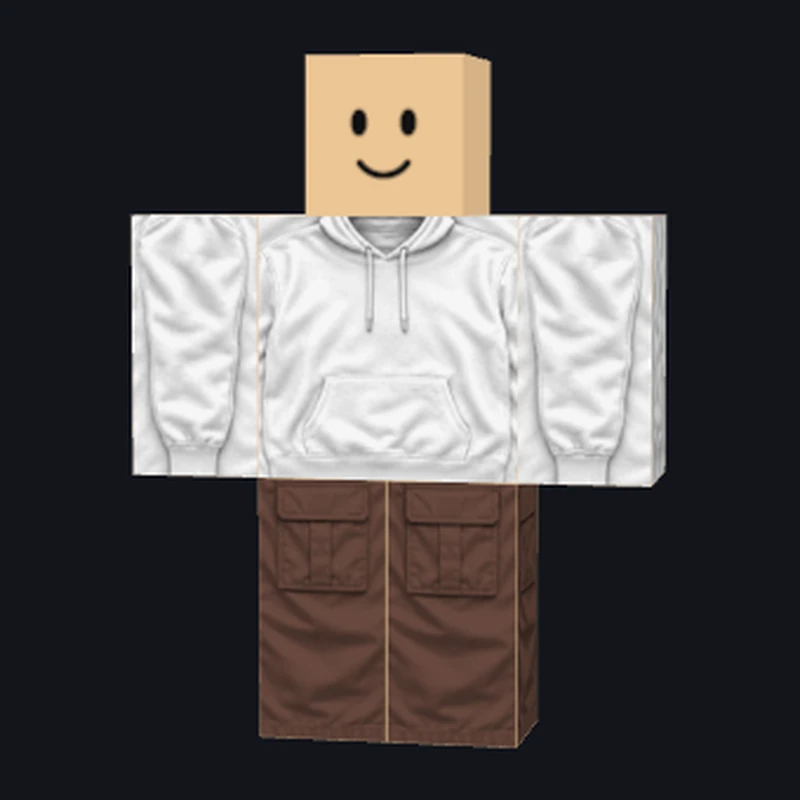
A clean everyday hoodie
Use the relaxed hood, drawstrings and front pocket as a starting direction. Choose a hoodie template in Roblox Shirt Maker, then add your own colors or lettering.
Open Shirt StudioTurn an outfit idea into an editable design. Roblox Shirt Maker combines AI clothing, hands-on panel editing, an R6 preview, and downloadable PNGs in one studio.
Style references from RoShirtMaker, shown for inspiration. Explore hoodies, contrast sleeves and cargo pants, then create your own version in Roblox Shirt Maker.
Use the relaxed hood, drawstrings and front pocket as a starting direction. Choose a hoodie template in Roblox Shirt Maker, then add your own colors or lettering.
Open Shirt Studio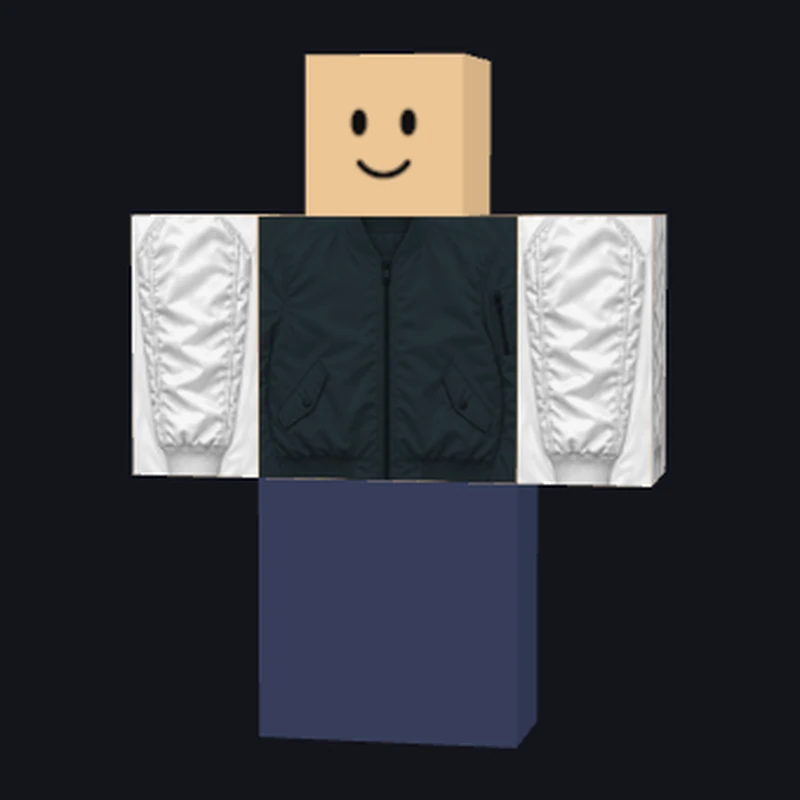
Dark fabric and lighter sleeves create a clear team palette. Start a jacket in Roblox Shirt Maker, then adjust the body, sleeves and chest detail to suit your group.
Open Shirt Studio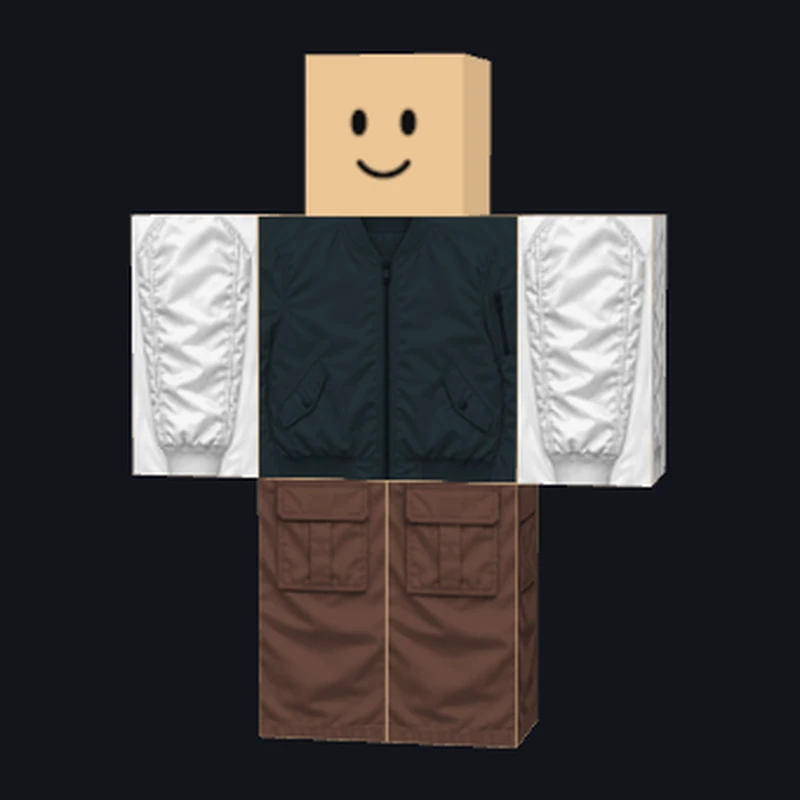
Pockets and earthy tones give this outfit a practical streetwear look. Use the Roblox clothing maker to design coordinating pants, keeping the waist and leg panels in the classic template.
Open Shirt StudioChoose a shirt, pants, or T-shirt in Roblox Shirt Maker. Begin with an editable template or describe a design for AI.
Make the Roblox clothing maker draft your own. Recolor the body and sleeves, drag lettering onto the avatar, and check the preview.
Download your PNG from Roblox Shirt Maker and save a project. Reopen it for another colorway or a matching outfit.
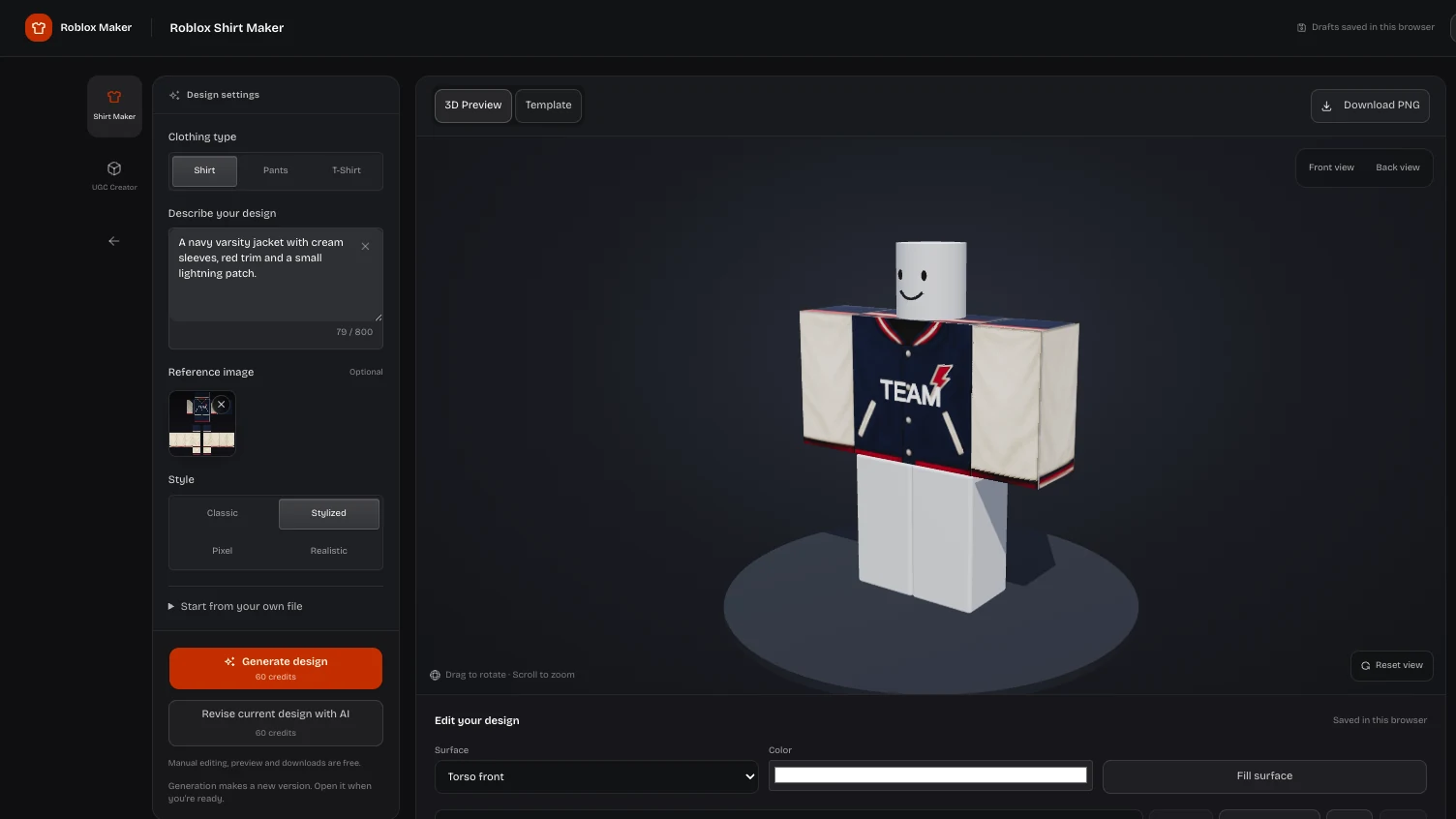
Choose a hoodie, jersey, jacket, or pants template in Roblox Shirt Maker and change its colors while keeping the shading. For a different look, describe your outfit and add an optional reference for AI.
Open Shirt Studio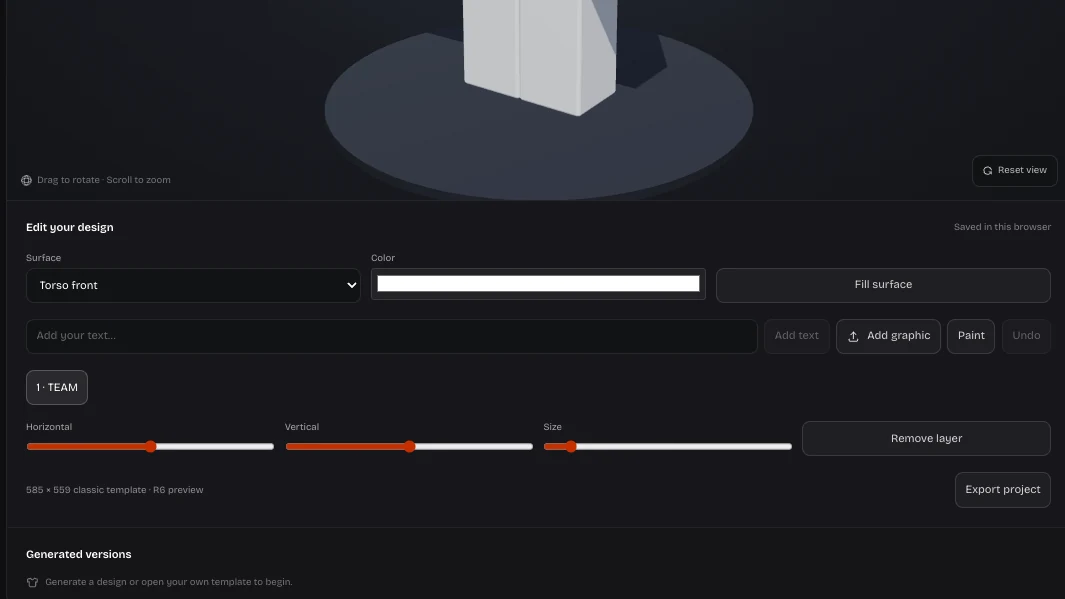
Roblox clothing maker keeps designs editable after generation. Recolor the body and sleeves, then place text or images directly on the avatar. Rotate, duplicate, or reorder layers, and undo a change to restore the previous version.
Open Shirt Studio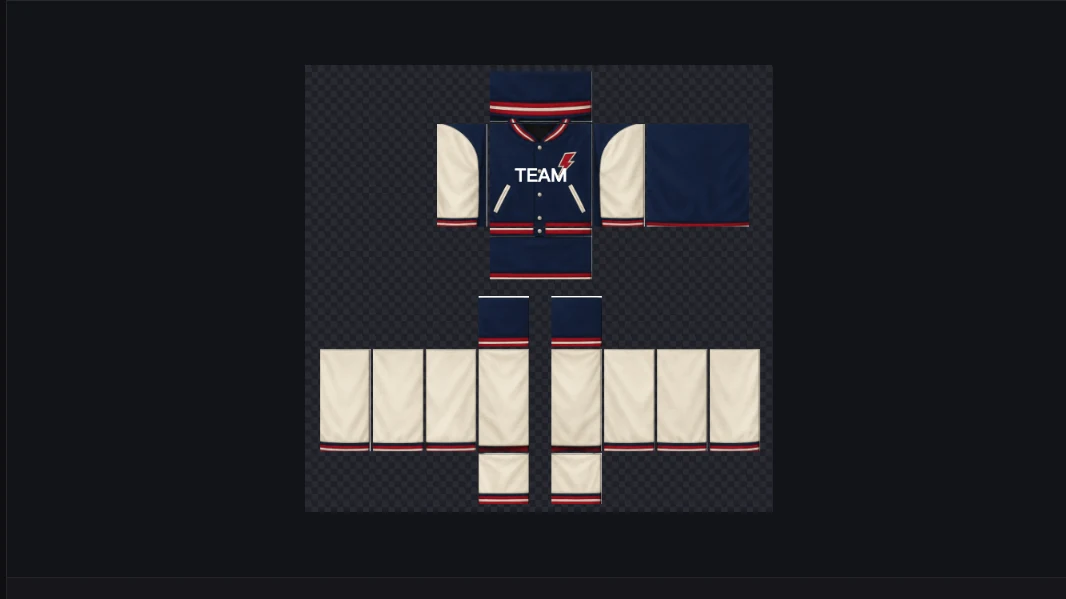
Rotate the R6 preview in Roblox Shirt Maker to inspect front, back, and side panels. Switch to the flat template to check placement before downloading or changing a troublesome seam.
Open Shirt StudioSave your editable project separately from the finished PNG. Roblox clothing maker keeps saved drafts in this browser; export a project file to move your layers to another device or keep a backup.
Open Shirt StudioThe Roblox clothing maker separates three familiar clothing types. Choose the coverage you want first, then export the file that matches that choice.
The shirt template covers torso and arms. Choose this format in Roblox Shirt Maker for jackets, sleeves, collars, or artwork that wraps around the body.
Pants have their own waist and leg regions. Roblox clothing maker routes your edits to these panels, even though the canvas size matches classic shirts.
A transparent front graphic is a simpler starting point. Choose the roblox t shirt maker mode for an emblem or illustration instead of full sleeves.
Roblox Shirt Maker gives you a first design and the tools to finish it. Shape your outfit with the template and preview together.
Skip the blank canvas with Roblox Shirt Maker. Describe a theme or upload a reference, then spend your time selecting and improving a concrete design.
Roblox clothing maker pairs AI with direct panel editing. Change lettering, paint small details, and adjust layers without asking AI to recreate the whole outfit.
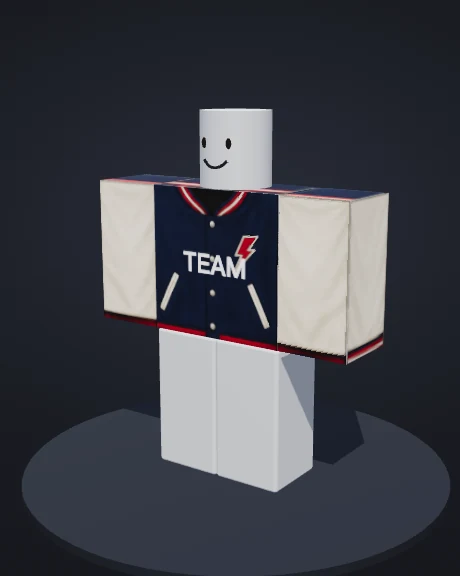
Inspect the same design on an R6 avatar and a flat template. Roblox Shirt Maker helps you spot placement problems while the file is still editable.
Save your project alongside the finished PNG. Roblox clothing maker preserves an editable base for seasonal colors, team versions, and the next round of ideas.
Open Roblox Shirt Maker and choose a clothing type. Start with a template or describe an AI design, then edit it alongside the R6 preview. Download the PNG when you are happy, and save a project for future changes.
Editing, previewing, saving projects, and downloads are free in the Roblox clothing maker. AI requires an account and credits. New accounts receive 180 starter credits once: three image generations or revisions at 60 credits each. The studio shows your balance and each operation’s cost.
Yes. Roblox Shirt Maker separates classic shirts, classic pants, and graphic T-shirts. Shirts and pants export 585 × 559 PNGs with different panel regions; T-shirts export transparent 512 × 512 graphics. Choose the type before generating or importing so your edits reach the right places.
Yes. A reference image guides AI toward your intended look; an imported clothing template becomes the editable canvas. Roblox clothing maker treats these as different starting points. Use a clear image, and check the selected clothing type before editing a template.
Yes. Roblox Shirt Maker supports text and image layers, paint, face fills, and undo. Select a surface, then adjust the detail while watching the preview. Add a team name or sleeve mark, or correct a small part of the generated design.
The roblox shirt template maker workflow includes a flat template view and editable panels. Roblox Shirt Maker exports a PNG rather than an avatar screenshot. Inspect that image before using it elsewhere, especially when graphics sit close to a panel edge.
Download your file and upload it to Roblox separately. Roblox clothing maker prepares the PNG; Roblox handles moderation, publishing requirements, and fees. The R6 preview is a design check inside this tool, so inspect the garment in Roblox before publishing it.
Save an editable project before closing. Roblox Shirt Maker stores drafts in this browser, so keep an exported project file to reopen your layers on another device. Download the PNG for your finished clothing image. Account history helps you find AI results, while project files preserve your edits.
Open Roblox Shirt Maker, choose a clothing type, and start with your own idea. Keep the useful draft, refine its details, and take the PNG with you.
Open Shirt Studio