Roblox Icon Maker with AI Generation and Editing

Roblox Icon Maker helps you create a bold subject players can recognize at a glance. Describe your idea, add references, then refine the image and export a finished PNG with your own edits.

Opening your workspace…

From an Emerald Sword Idea to a Game Icon

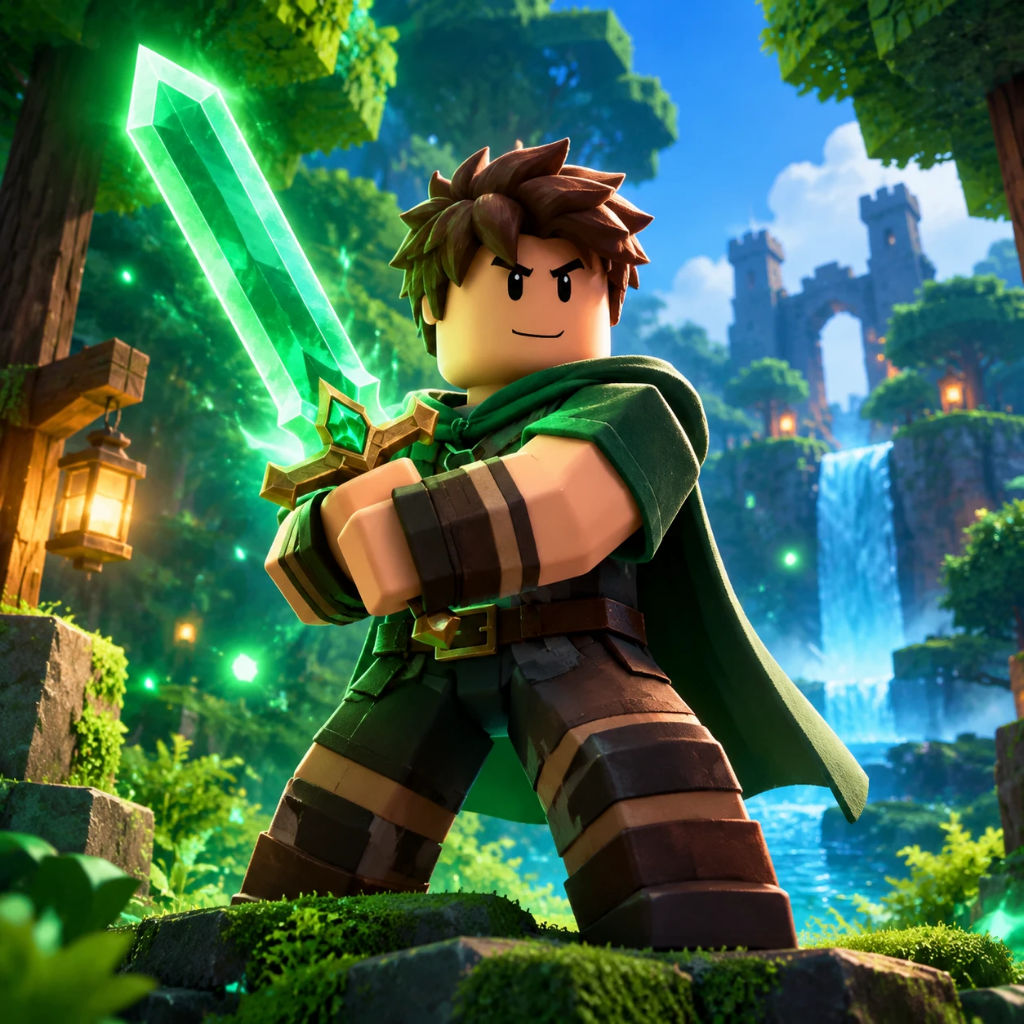
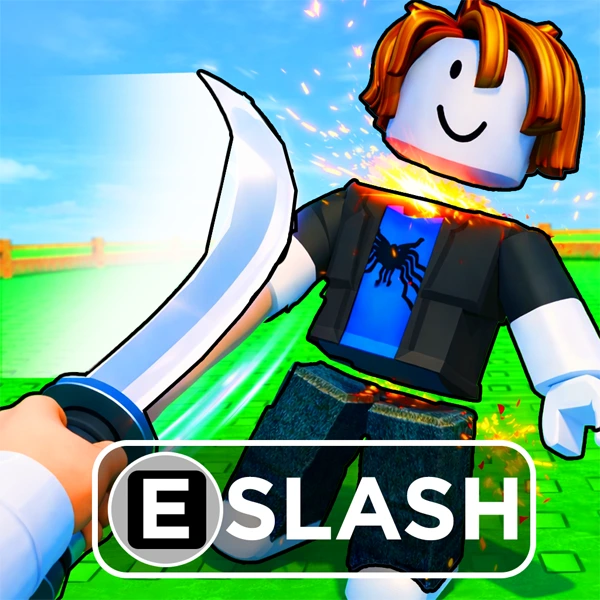
A single sword and adventurer make a stronger focal point than a crowded scene. This recorded example shows the prompt and square result together, making it easier to judge silhouette, margins and visual emphasis.

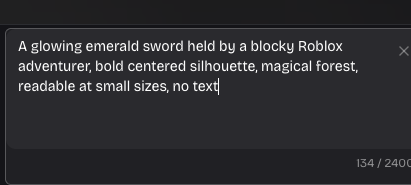
Original prompt
Recorded prompt describing a centered emerald sword and blocky adventurer
Finished image
Square emerald sword game icon with a centered adventurer and forest setting

How to Use Roblox Icon Maker

Create Your Design

Describe the image you need

Start in Roblox Icon Maker with the main subject, setting and mood. Add up to three references to guide identity, colors or composition.

Generate, compare and refine

Choose a style and precision in Roblox Icon Maker. Open a finished result, compare versions and request a focused AI change when needed.

Finish your edits and export

Adjust the framing and lighting, add a separate caption, then export a PNG. Save an editable project copy to continue the work later.

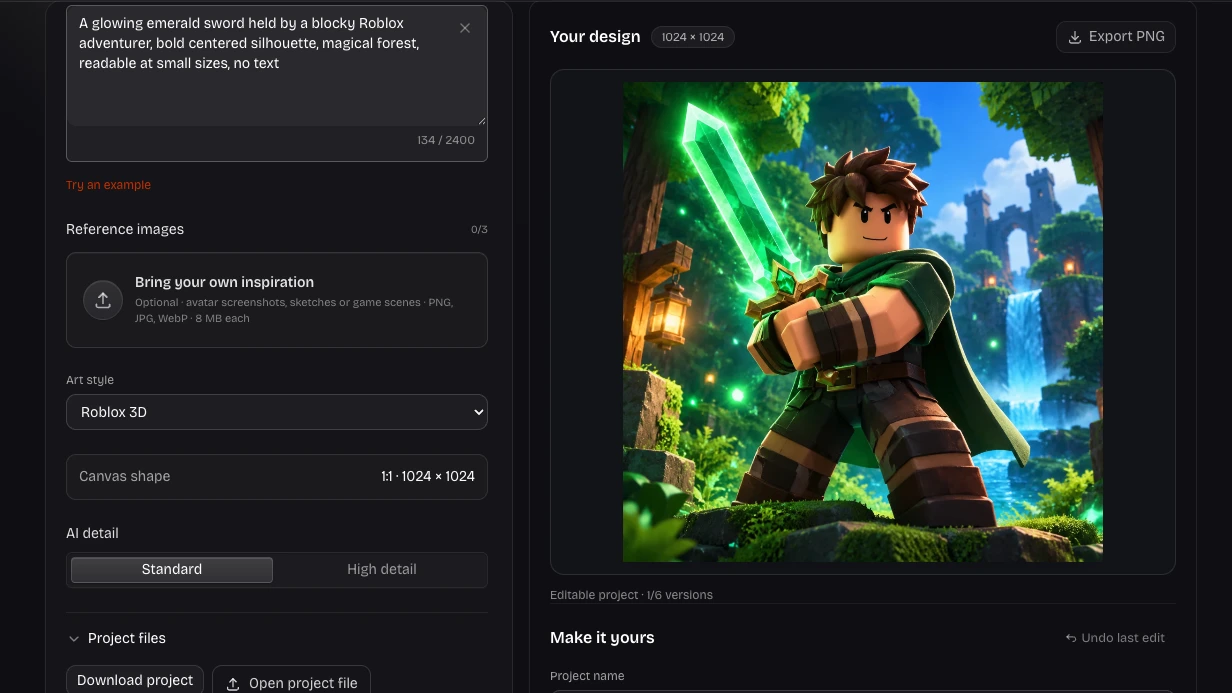
Roblox Icon Generator with Finishing Controls

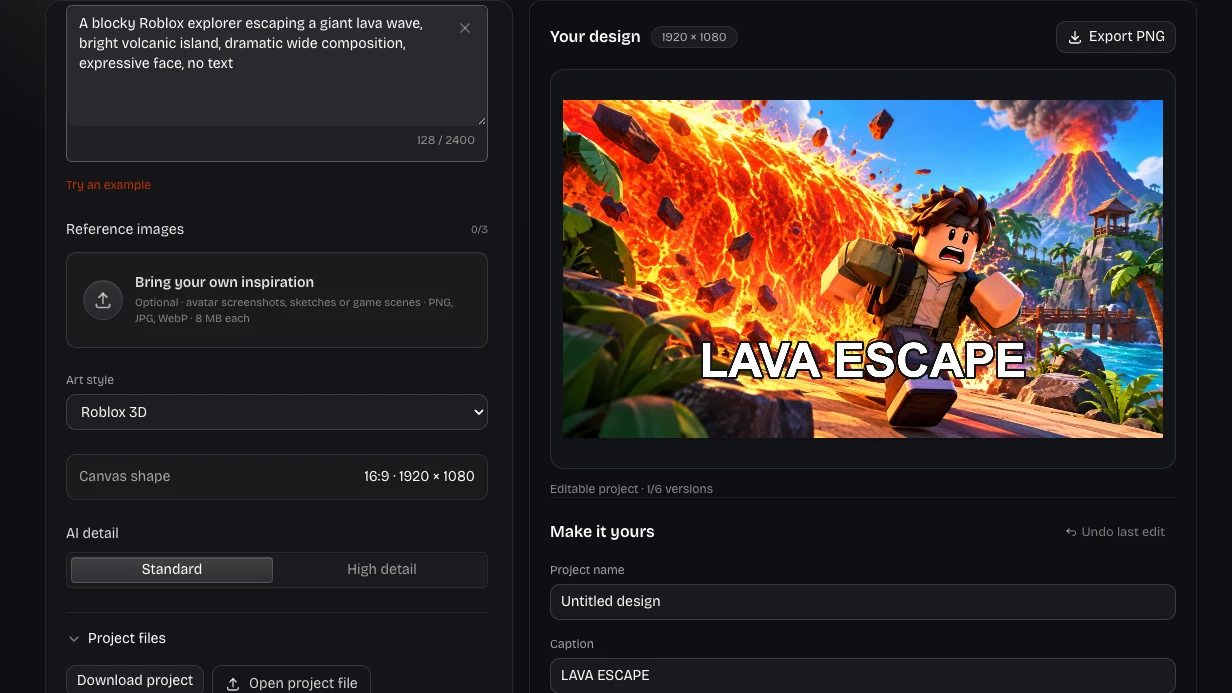
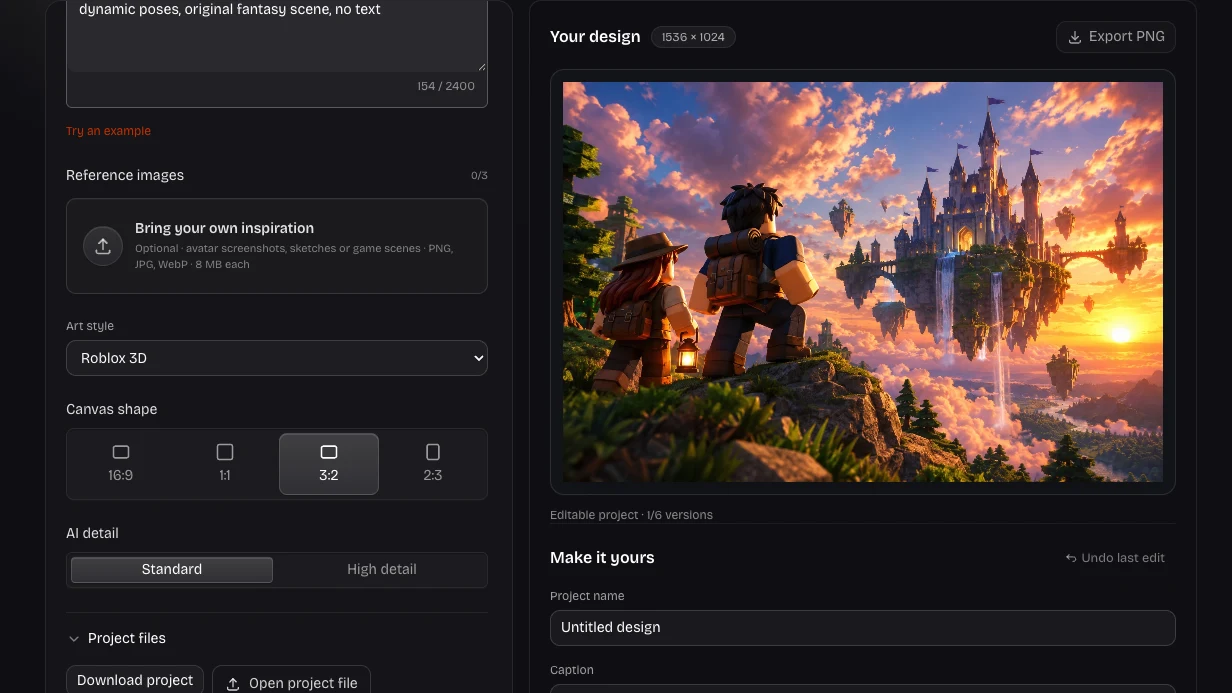
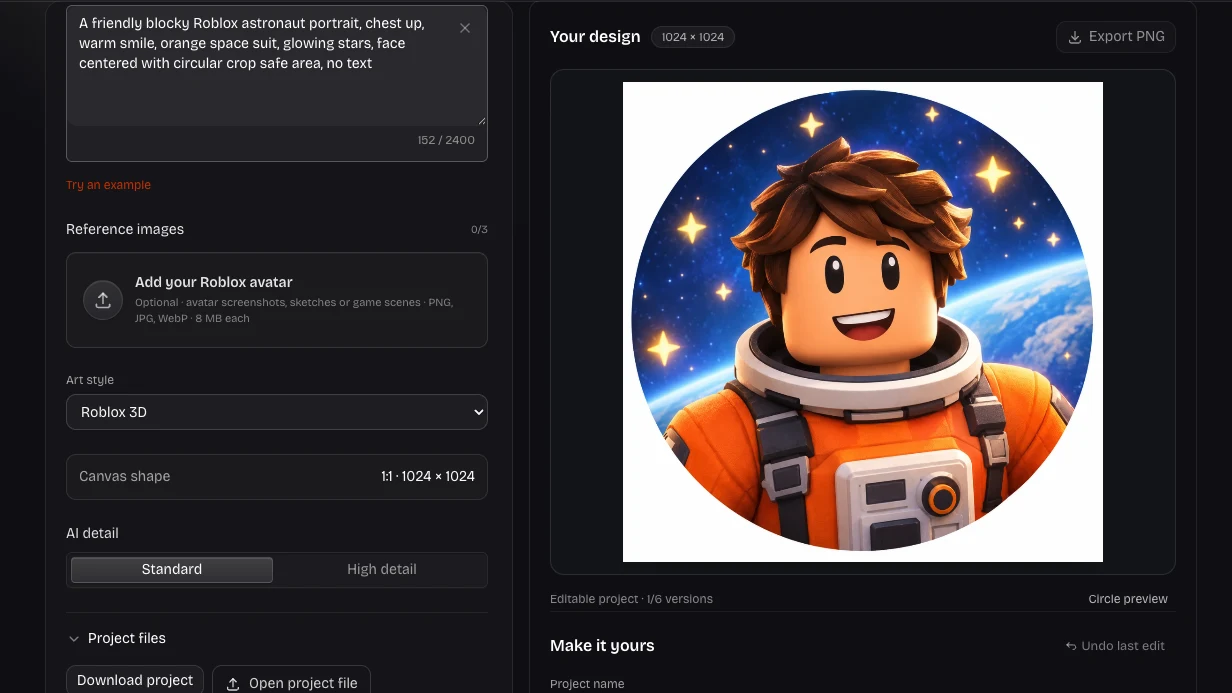
Actual image editor with prompt, canvas and finishing controls

Build the icon around one subject

Tell Roblox Icon Maker what players should recognize first: an explorer, a special item or the main creature in your game. Keep secondary details supporting that subject so the design remains useful beyond its largest preview.

Try This Workflow
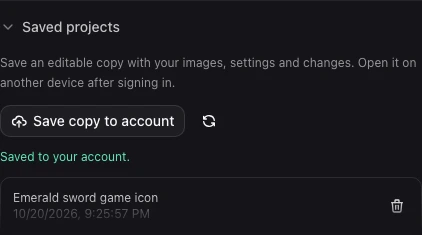
Actual account panel with a saved emerald sword icon project and recovery controls

Keep your icon ready for the next update

Save a named project in Roblox Icon Maker to preserve references, versions and finishing settings. Reopen that copy when your game changes, or download a project backup to keep your favorite direction alongside the exported icon.

Try This Workflow

Keep Creative Control with Roblox Icon Maker

Roblox Icon Maker combines an AI starting point with practical finishing controls. Keep the choices that work for your square game icon and preserve an editable version for the next update.

Make the subject recognizable

Give Roblox Icon Maker a clear subject and supporting details, then review the composition before choosing the image that represents your idea.

Keep your words editable

Your caption stays separate from the generated image. Change its wording, color, size or position without paying for another AI request.

Blocky adventurer with recognizable hair and outfit against a bright game background

Return to an earlier direction

Roblox Icon Maker keeps up to six image versions in each project, with their caption, crop and lighting settings ready to restore.

Take your work with you

Download a finished PNG and an editable project backup. Signed-in creators can also save private project copies and reopen them on another device.

Roblox Icon Maker: Questions Before You Start

Roblox Shirt Maker brand mark

Create Your Next Square Game Icon

Start with a clear idea in Roblox Icon Maker, refine the details that matter, and take a finished image into your next creative project.

Create Your Design