Roblox Thumbnail Maker with AI Generation and Editing

Roblox Thumbnail Maker helps you create one clear moment that tells players what your experience feels like. Describe your idea, add references, then refine the image and export a finished PNG with your own edits.

Opening your workspace…

Roblox Thumbnail Maker: From Prompt to Finished Artwork

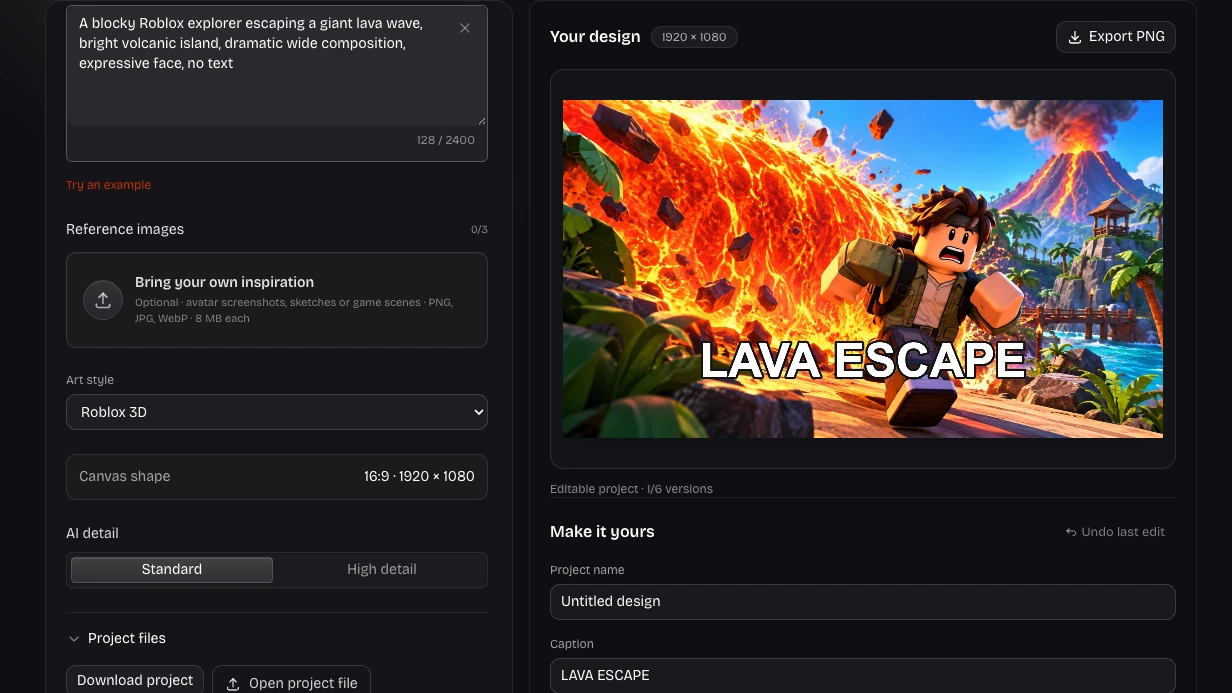
A lava obstacle course needs a clear hero, visible danger and space for its title. Follow this recorded prompt through to a wide scene, then keep the headline editable for your next update.

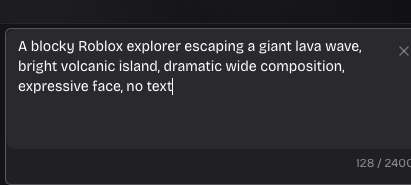
Original prompt
Recorded prompt describing a Roblox explorer escaping a lava wave
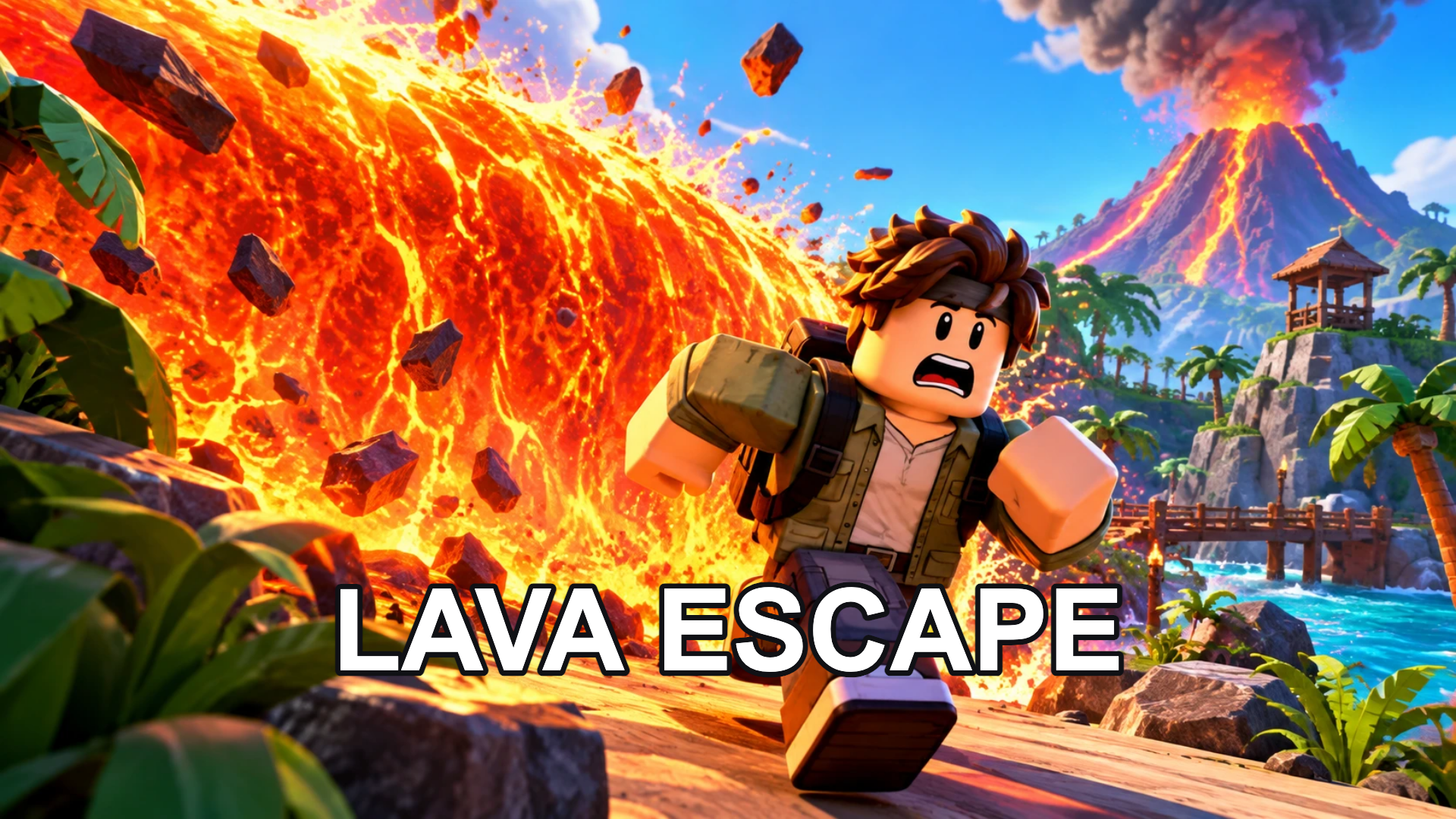
Finished image
Wide lava escape image with an explorer and a separately added LAVA ESCAPE caption

How to Use Roblox Thumbnail Maker

Create Your Design

Describe the image you need

Start in Roblox Thumbnail Maker with the main subject, setting and mood. Add up to three references to guide identity, colors or composition.

Generate, compare and refine

Choose a style and precision in Roblox Thumbnail Maker. Open a finished result, compare versions and request a focused AI change when needed.

Finish your edits and export

Adjust the framing and lighting, add a separate caption, then export a PNG. Save an editable project copy to continue the work later.

Roblox Thumbnail Generator with Editable Finishing

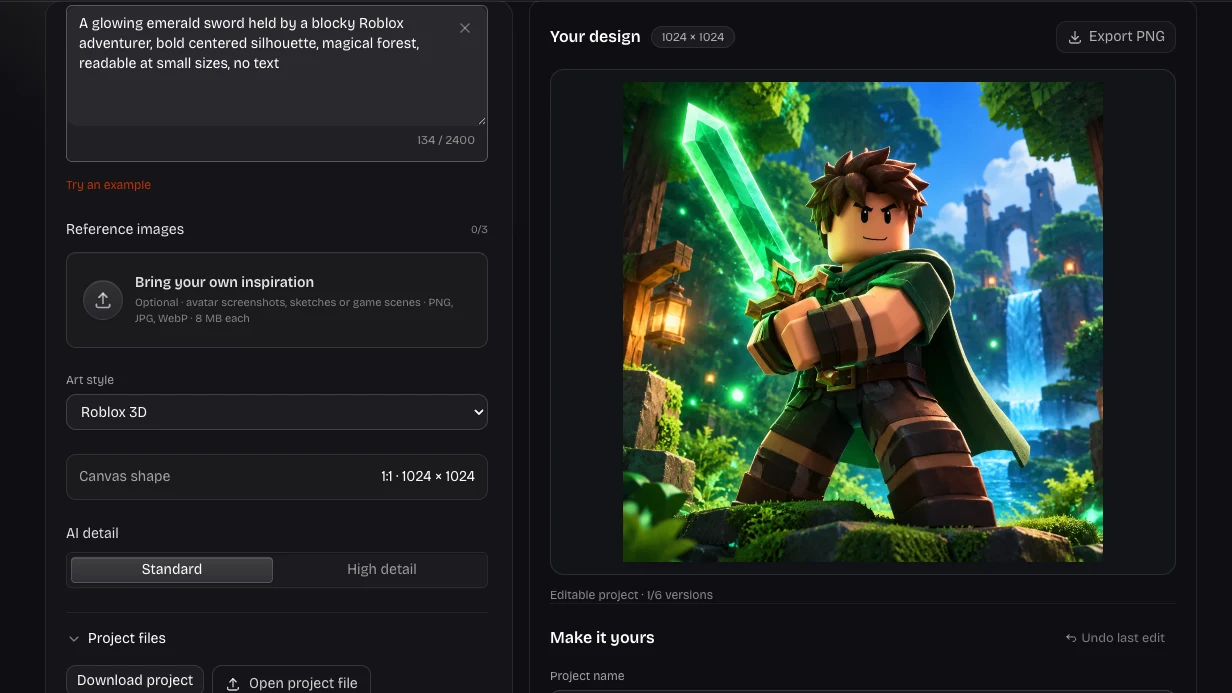
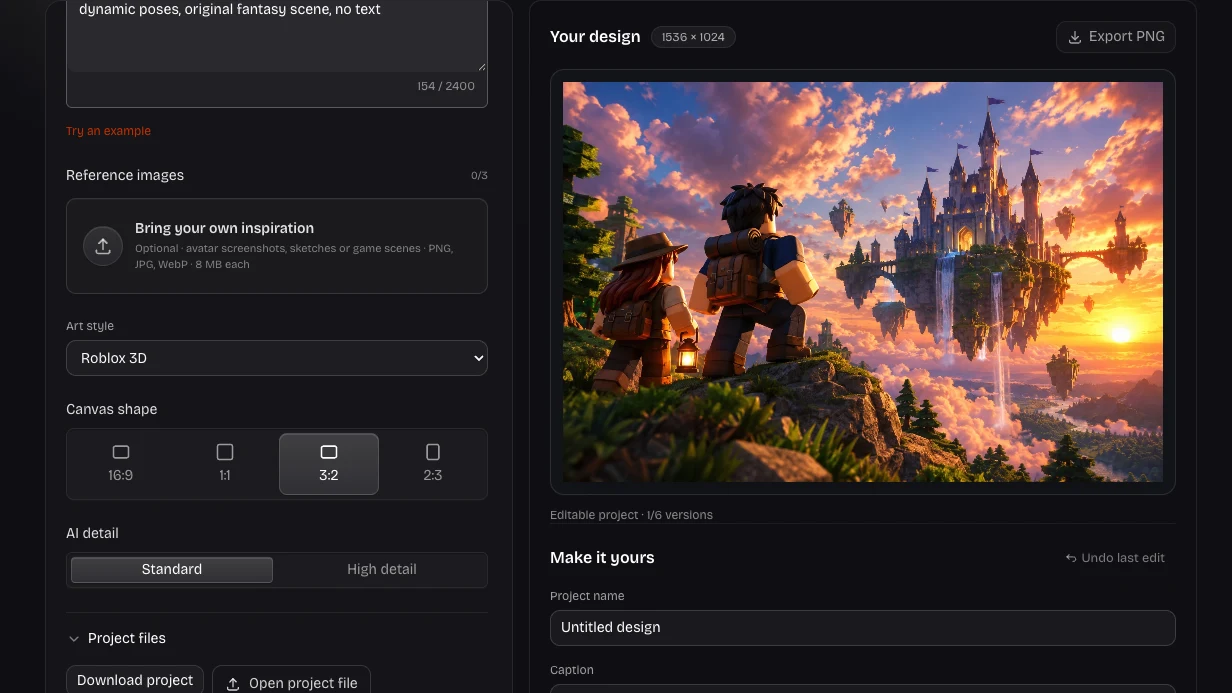
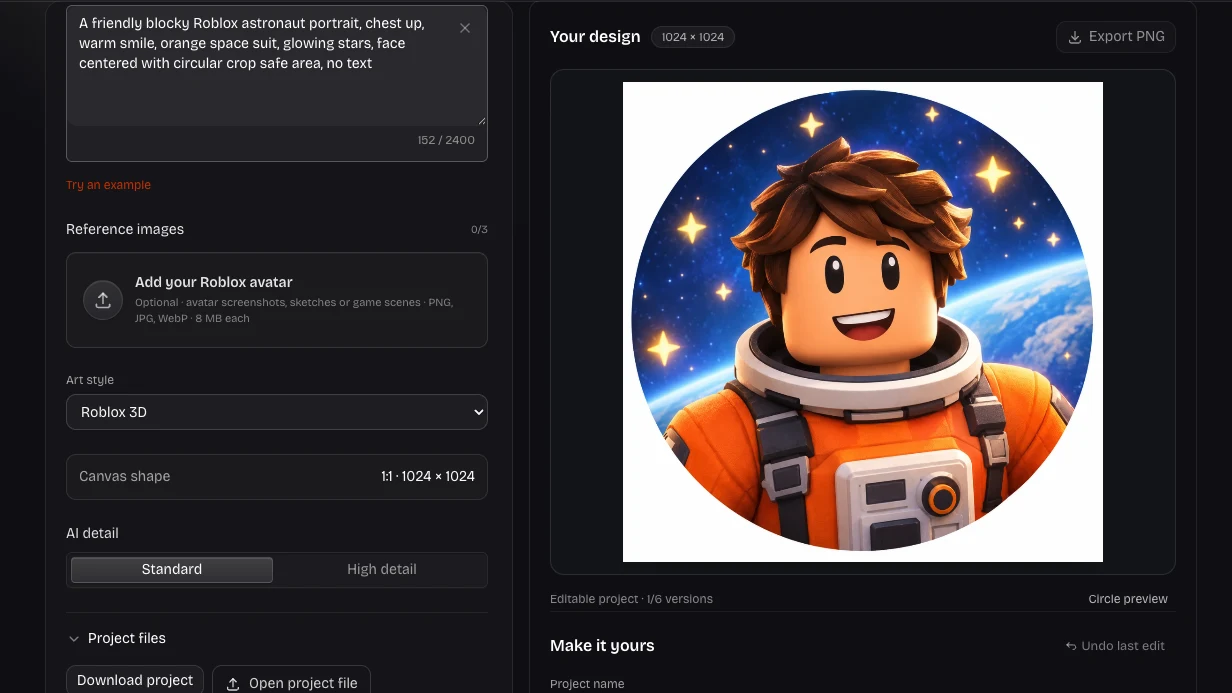
Actual image editor with prompt, canvas and finishing controls

Give players a reason to look

Build the scene around a decision: jump the lava, unlock the reward or beat the boss. Roblox Thumbnail Maker takes your prompt and optional references into one wide composition, leaving you room to adjust the final message.

Try This Workflow
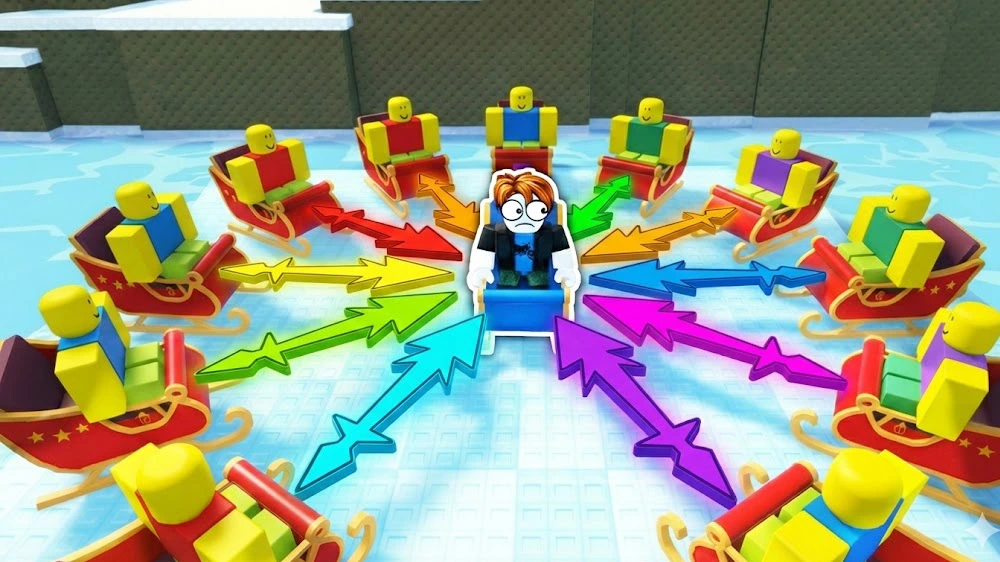
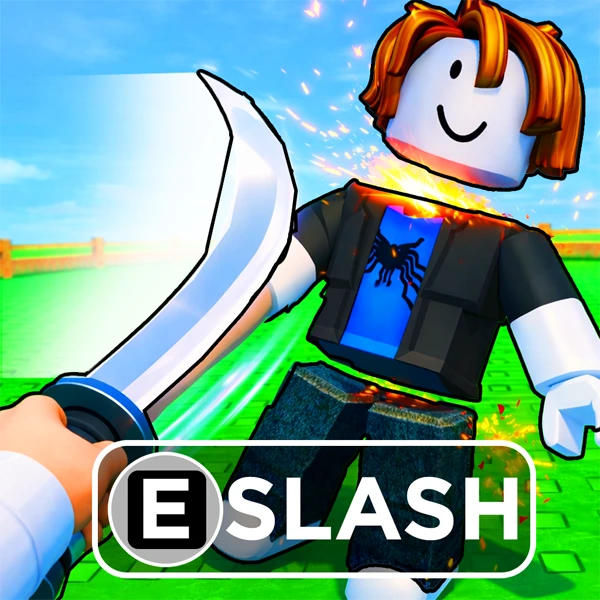
Illustrated Roblox action scene with a clear central character

Keep the action readable

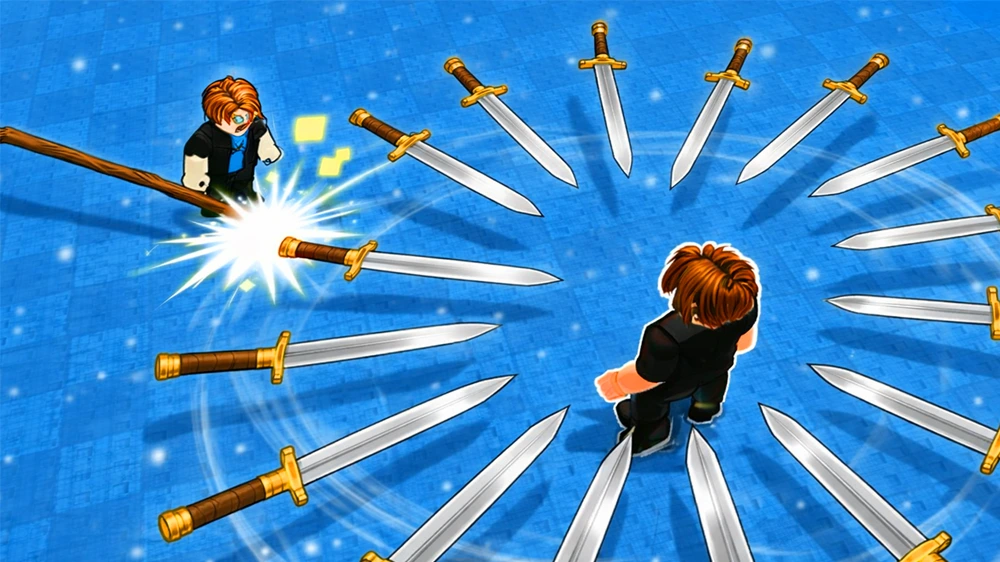
A Roblox thumbnail generator works best with a subject that stands out from the background. Specify the character, threat and camera angle, then check whether the idea still makes sense when the picture appears small.

Try This Workflow
Wide blocky-character battle illustration with converging swords and a clear central action

Choose the mood for your update

Use Roblox Thumbnail Maker for bright obstacle courses, dramatic battles or playful progression scenes. Roblox 3D, Cinematic, Anime, Cartoon and Pixel Art styles give the prompt a direction without changing your game or its mechanics.

Try This Workflow

Keep Creative Control with Roblox Thumbnail Maker

Roblox Thumbnail Maker combines an AI starting point with practical finishing controls. Keep the choices that work for your game launch image and preserve an editable version for the next update.

Make the subject recognizable

Give Roblox Thumbnail Maker a clear subject and supporting details, then review the composition before choosing the image that represents your idea.

Keep your words editable

Your caption stays separate from the generated image. Change its wording, color, size or position without paying for another AI request.

Blocky adventurer with recognizable hair and outfit against a bright game background

Return to an earlier direction

Roblox Thumbnail Maker keeps up to six image versions in each project, with their caption, crop and lighting settings ready to restore.

Take your work with you

Download a finished PNG and an editable project backup. Signed-in creators can also save private project copies and reopen them on another device.

Roblox Thumbnail Maker: Questions Before You Start

Roblox Shirt Maker brand mark

Create Your Next Game Launch Image

Start with a clear idea in Roblox Thumbnail Maker, refine the details that matter, and take a finished image into your next creative project.

Create Your Design